Download the Unified Runner executable, point it at your logs with a short
config.yaml, and it sends what it finds to your Tomosu account for analysis — the same
analysis a scan from the web app or VS Code produces. From there, GitAgent turns the
findings into a pull request, exactly like any other scan.
Unified Runner is a standalone executable, not a GitHub Action and not something you wire into CI. You run it yourself, wherever your logs or runtime signals actually live, and point it at a small configuration file. It never touches GitHub directly and it never opens a pull request itself — its only job is to read logs (or a Prefect run history, or New Relic) and hand the result to your Tomosu account, the same way a scan from the web app or the VS Code extension would. Everything after that point, reviewing the finding and opening the pull request, happens in GitAgent, identically to every other scan.
One command fetches the executable and sets it up:
# downloads and installs the Unified Runner executable
curl -sSL "https://tomosu.ai/install.sh?agent=unified-runner-linux" | bash
That leaves you with a single executable, ready to run. Nothing else to install.
Unified Runner reads everything it needs from one config.yaml file next to the
executable, there are no separate flags for credentials or paths. A template ships alongside it:
# which source control provider your repo is on provider: "github" github: token: "<your_github_pat>" repo_owner: "<your_github_username_or_org>" repo_name: "<your_github_repo_name>" branch: "<your_branch>" # where your logs actually are, this is the one most people fill in wrong log_analysis: log_dir: "/path/to/your/logs" log_file: "/path/to/store/result/logs" output_file: "/path/to/store/output" # your Tomosu account token, the same one you sign into GitAgent with api: auth_secret: "<your_tomosu_account_token>" url: "<tomosu_analysis_endpoint>"
log_analysis.log_dir is the field that matters most for a normal run —
point it at the folder your application actually writes its logs to. Unified Runner tails whatever's in
there. log_file and output_file are just working paths it writes its own results
to, anywhere writable is fine.
api.auth_secret must be your own Tomosu account's token, the same
one you're signed into GitAgent with. GitAgent only shows you scans that belong to your account, so
if this token is for a different account than the one you log into GitAgent with, your results won't show
up there. api.url is the Tomosu analysis endpoint, we'll give you this when you set Unified
Runner up.Which mode to run
The --mode flag, used when you run it, decides what Unified Runner reads from:
| Mode | Reads from |
|---|---|
main | The log directory above, tailed and analysed (the default) |
prefect | Prefect's own SQLite log table, set via prefect.db_path |
relic | New Relic, queried directly via NRQL |
perf | Same as main, against a separate performance log directory |
metrics | Collects system metrics only, no log analysis |
--config is always required, and --mode picks the flow from
the table above. For a normal run against your log directory:
./unified_runner_linux --config config.yaml --mode main
Reading a Prefect run history instead:
./unified_runner_linux --config config.yaml --mode prefect
A successful run sends its findings to your Tomosu account. There's nothing to watch for locally beyond that, the rest happens on the next page you open.
Your findings are now on your Tomosu account, same as a scan from the web app or VS Code. The rest of the journey is identical to those: open GitAgent, log in, connect your git provider if you haven't already, then pull in and review what Unified Runner found.
Open gitagent.tomosu.ai and log in with your Tomosu account email and password.
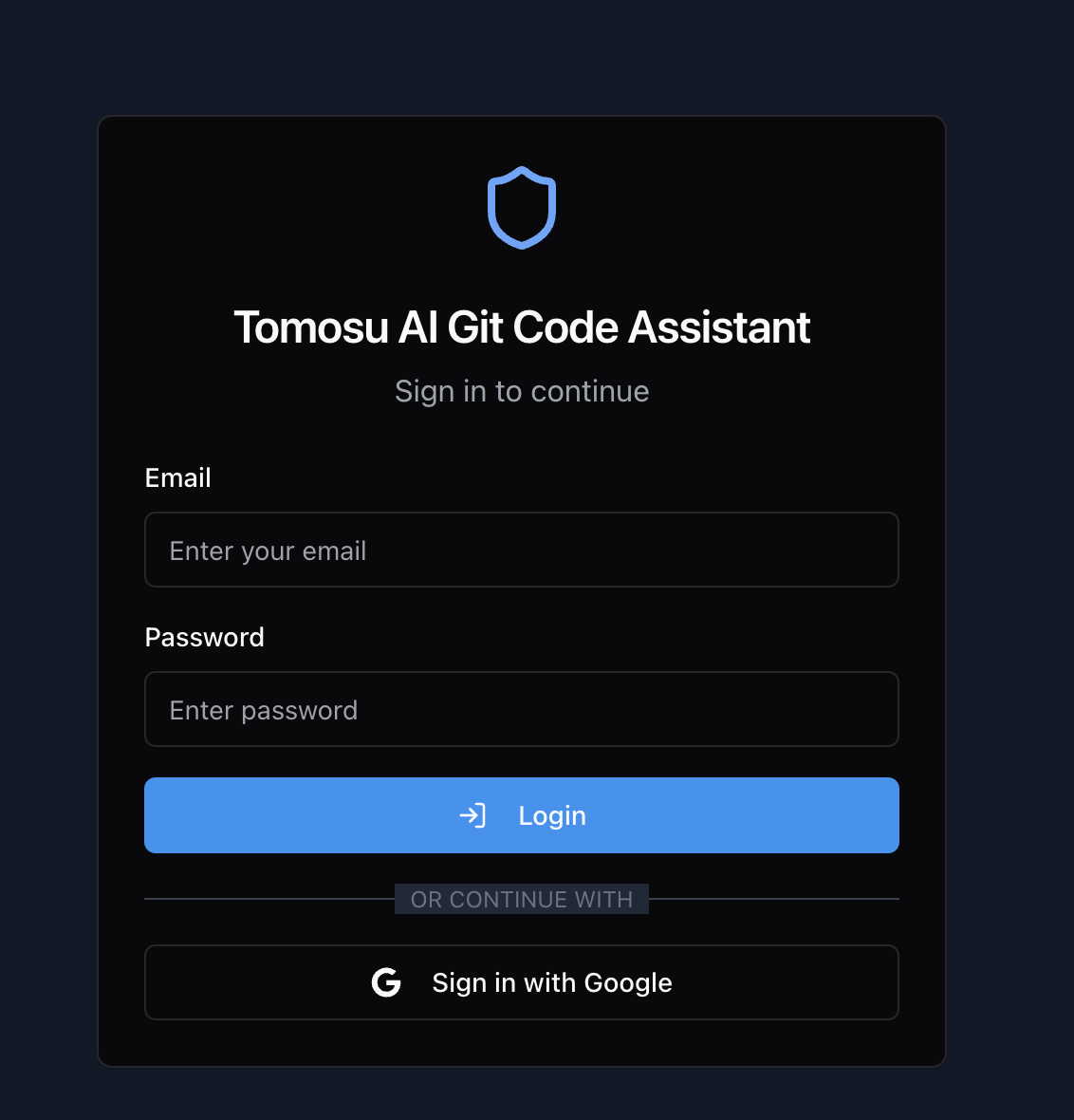
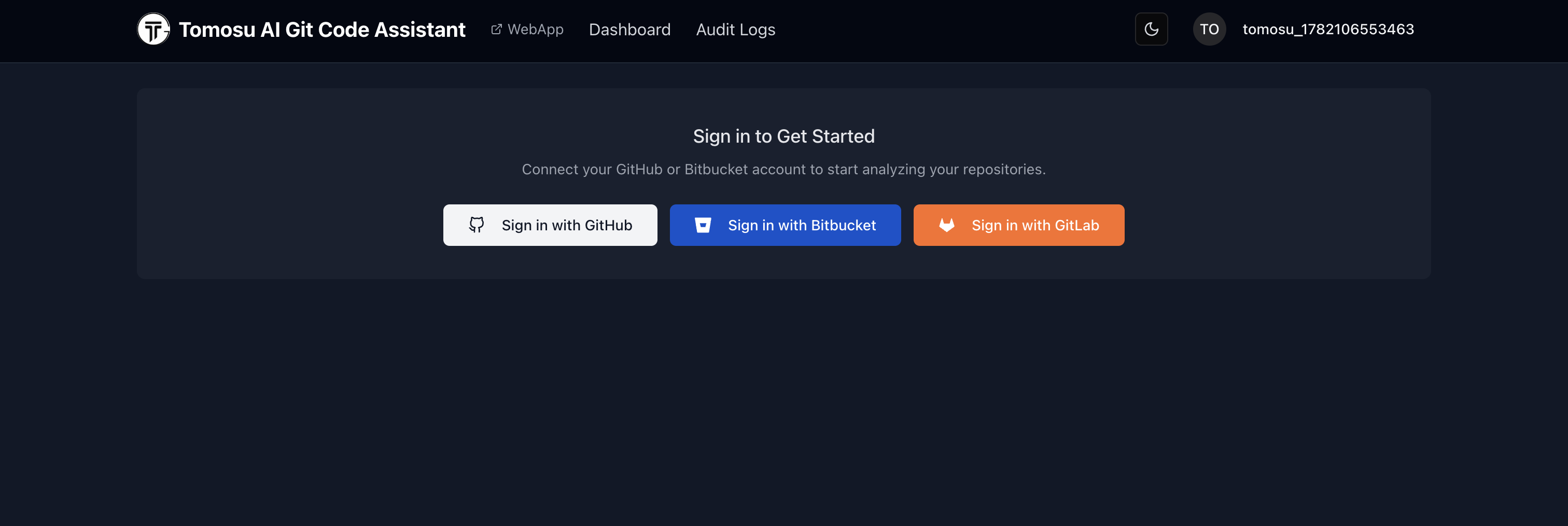
If GitAgent doesn't already know your repositories, it shows a Sign in to Get Started screen. GitHub, Bitbucket, and GitLab are all supported, authorise whichever one holds the repository Unified Runner scanned. Already connected from an earlier visit? GitAgent skips straight past this.
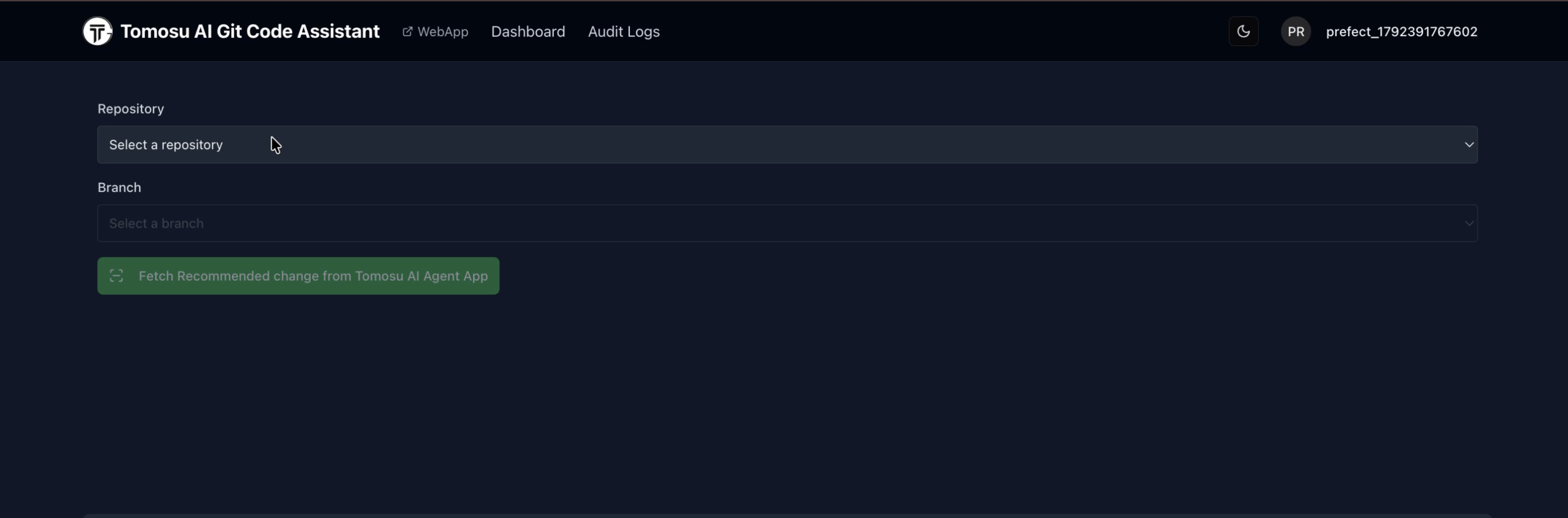
Pick the repository and branch that matches what you pointed Unified Runner at, then click Fetch Recommended change from Tomosu AI Agent App. This is what pulls Unified Runner's findings into GitAgent, nothing shows up until you click it.
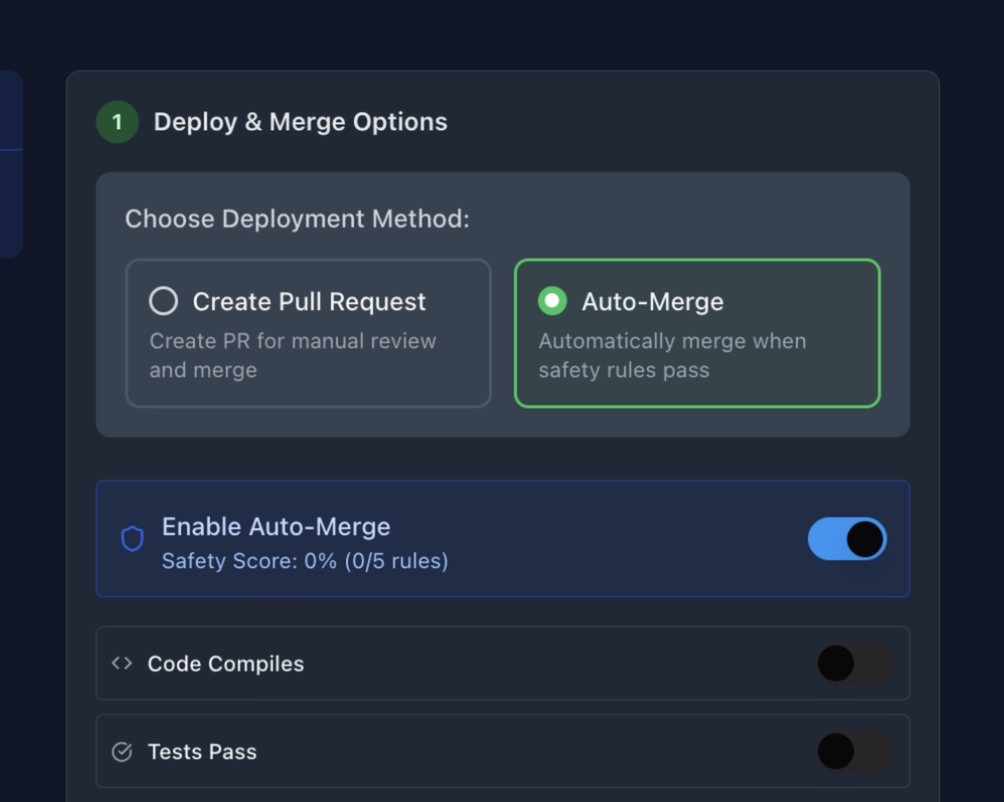
Pick Create Pull Request to keep a human review in the loop, rather than Auto-Merge.
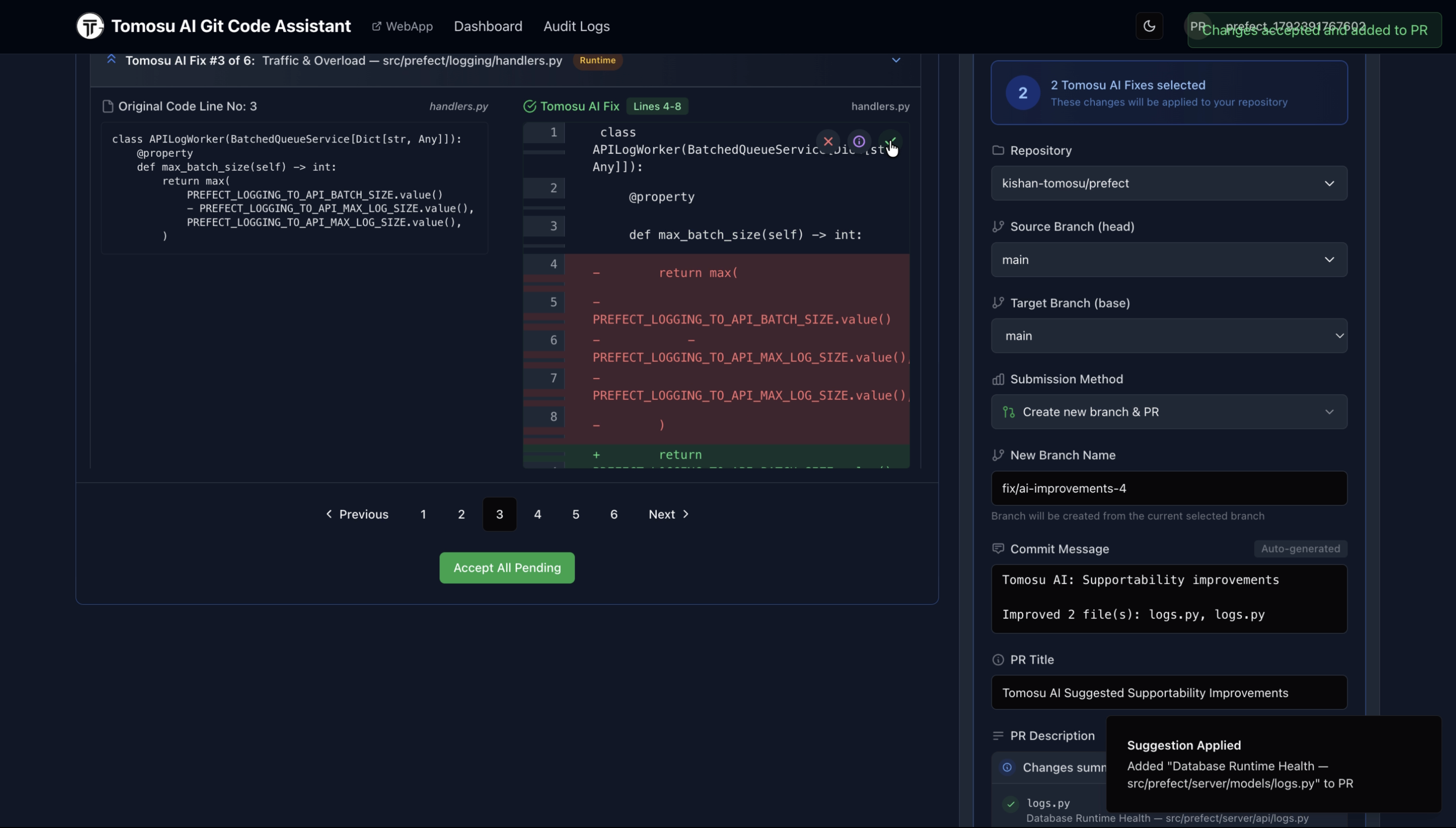
GitAgent steps through every fix one at a time, showing the original code next to Tomosu's proposed change as a diff. Accept individual fixes, or click Accept All Pending. As you accept fixes, the panel on the right fills in the pull request itself: branch name, commit message, PR title and description, all generated from what you accepted.
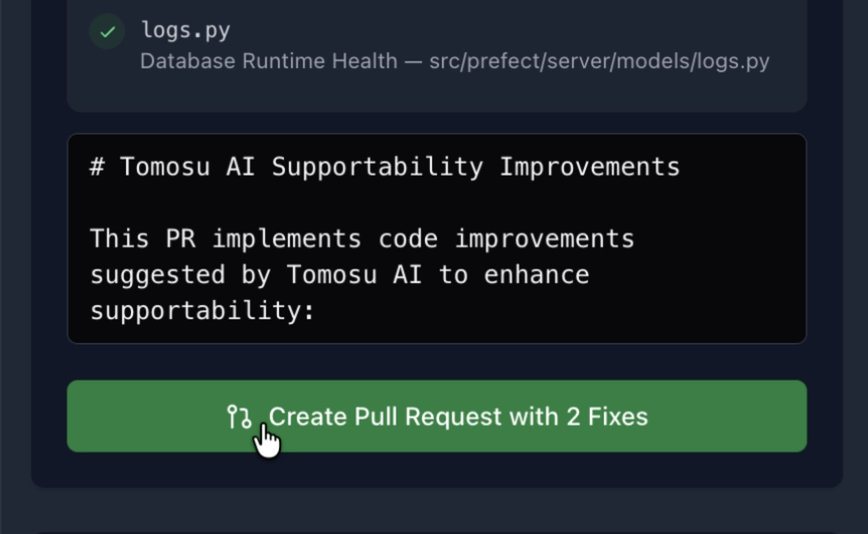
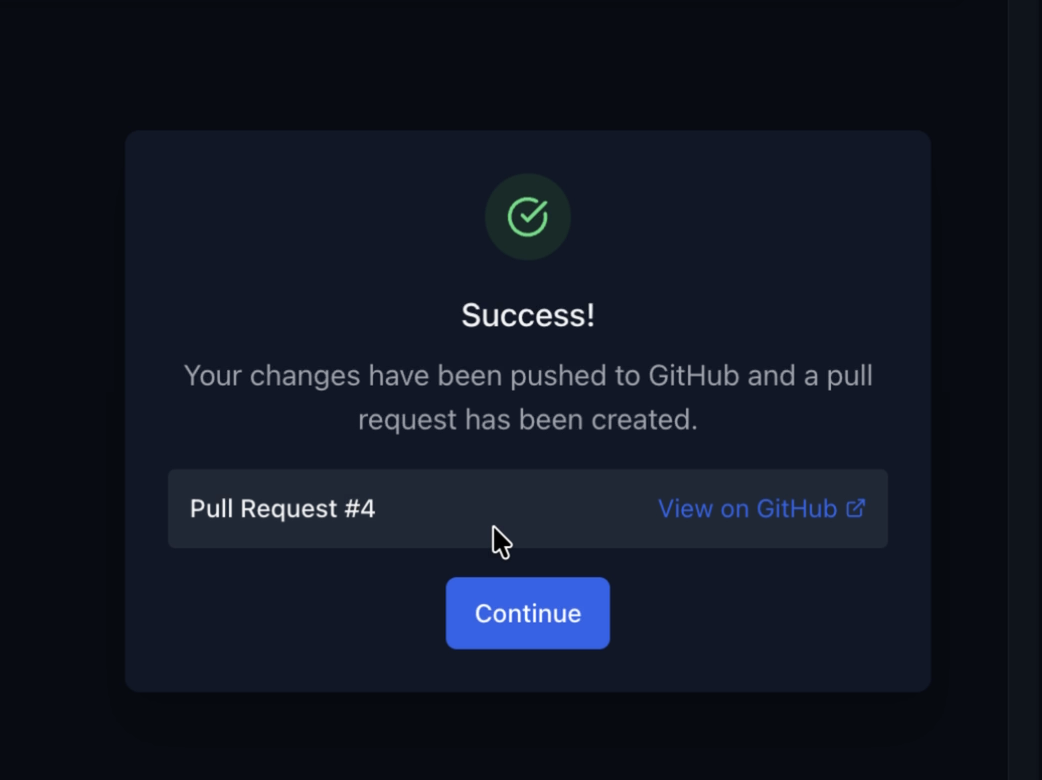
Check the PR title and description GitAgent generated, edit them if you want, then click Create Pull Request with N Fix(es). This is the moment the pull request is actually opened on GitHub, using your connected GitHub account.